Adding Time Via The Table
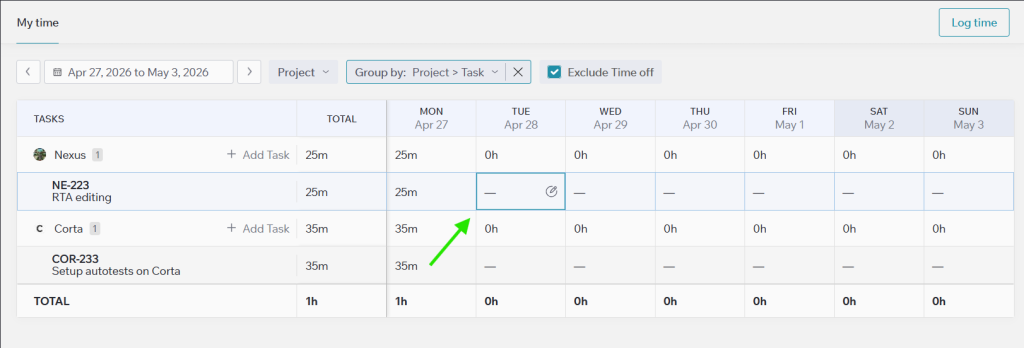
If a task has no logged time, an empty cell will appear next to it in the table. Simply click on the cell to open the time logging form, enter the required details, and save your entry.
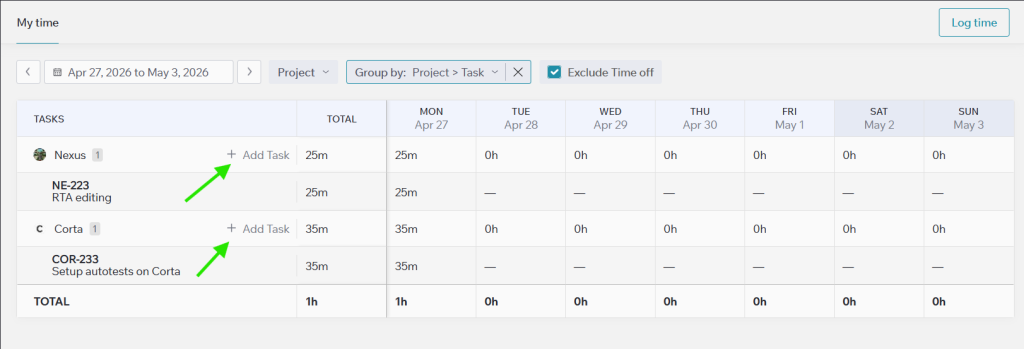
If the task isn’t listed in the table, you can log time by clicking the “Log Time” button directly from the Task page, or by adding the task using the “+ Add Task” icon in the Tasks column.