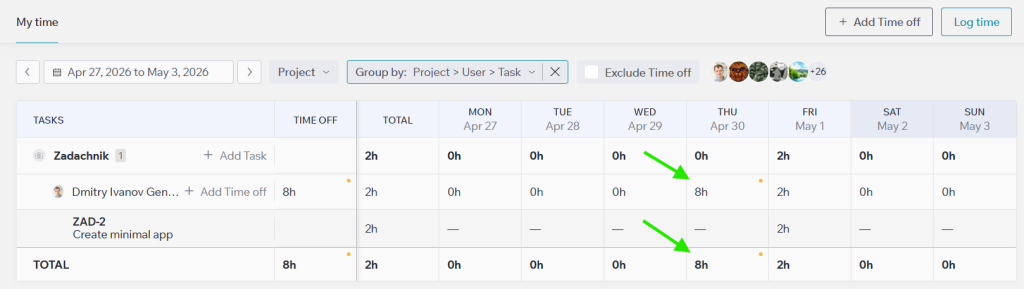
Viewing the written-off time in “Time off”
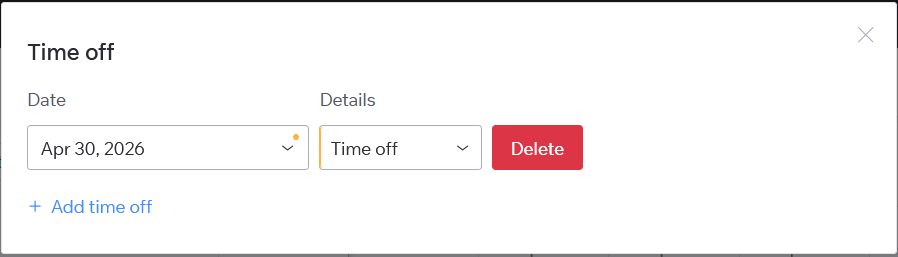
To view your logged Time off hours, click the Total value for the day. The Time off modal will open.
What you can do in this modal
- Change the date or period – click the Date field, then select a new date or period in the calendar.
- Change the Time off reason – click the Details dropdown, then select a different option.
- Delete a Time off entry – click the Delete button, then confirm the action.
- Add a new Time off entry – click the Add time off button below the list.